
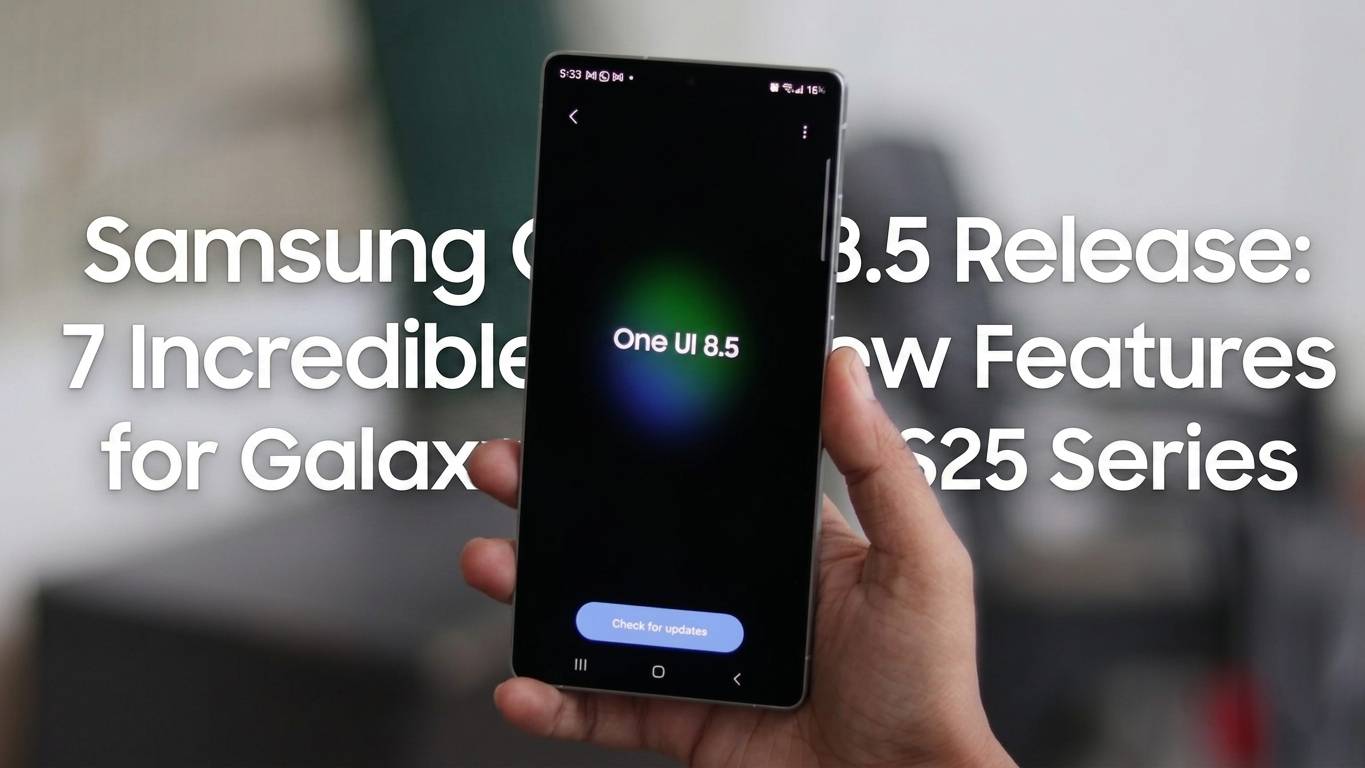
Samsung One UI 8.5 Release : The wait is finally over for Samsung enthusiasts! Samsung is nearing the official rollout of the stable One UI 8.5 update for the flagship Galaxy S25 series. Following the release of the tenth beta version earlier this week—which is widely considered the final testing phase—the stable build is expected to hit devices globally in the coming days.
This isn’t just a minor patch; One UI 8.5 (based on Android 16 QPR2) represents a massive leap in how we interact with our smartphones. From a groundbreaking bridge between Android and iOS to deep AI integration, here is everything you need to know about this game-changing update.
1. The Game Changer: Quick Share Support for Apple Devices
Perhaps the most shocking and welcome addition in One UI 8.5 is the seamless integration of Quick Share with Apple devices. Historically, transferring high-quality files between a Galaxy and an iPhone was a headache, often requiring third-party apps or cloud uploads.
With this update, Samsung users can now use Quick Share to send photos, videos, and documents directly to iPhones, iPads, and Macs that support AirPlay/AirDrop protocols. This move effectively breaks down the “walled garden” and makes the Galaxy S25 the most versatile device for professionals working in mixed-platform environments.
2. A Refined Visual Philosophy
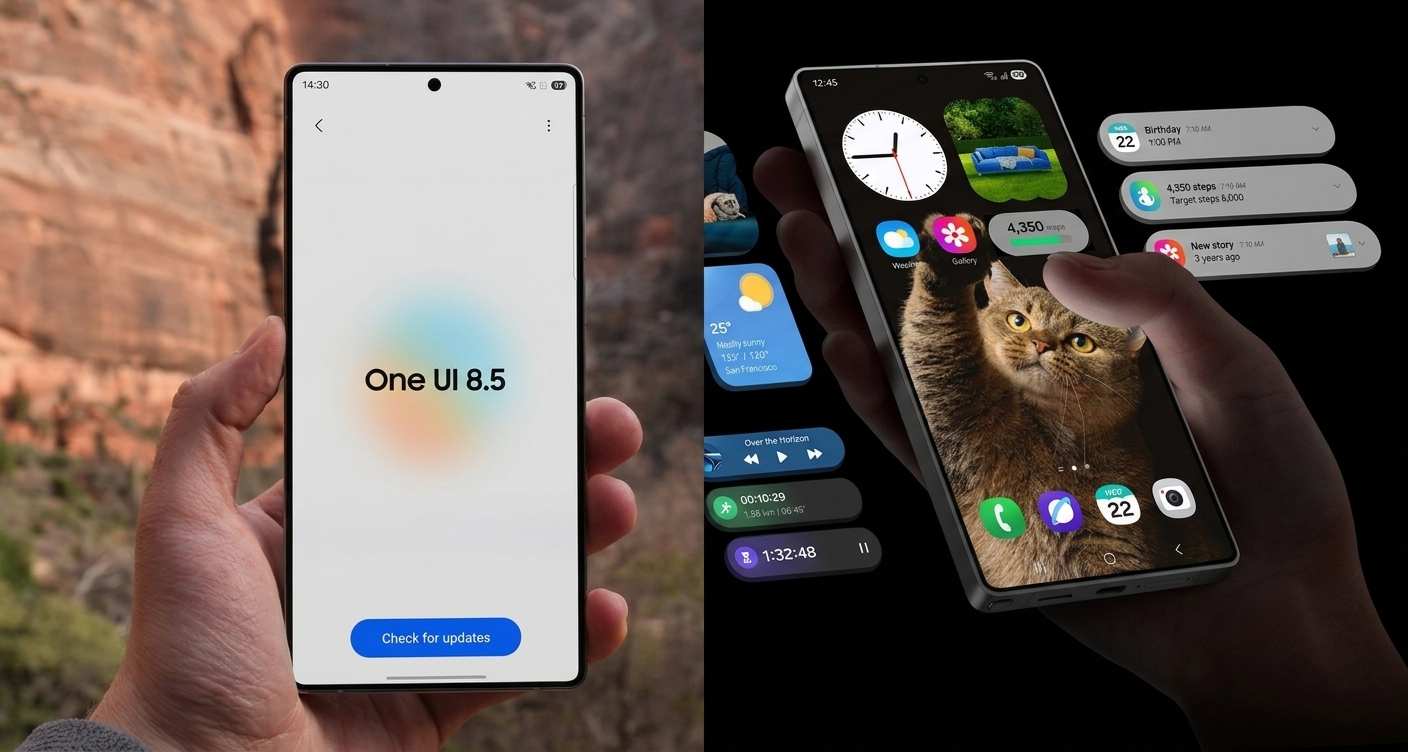
Samsung has introduced a Fresh New Look that prioritizes depth and focus. One UI 8.5 utilizes transparent blur effects and floating UI elements that react organically to your workflow. The design feels more sophisticated and “pro,” with intuitive data visualizations that make navigating complex settings feel effortless.
Adaptive Lock Screens: Wallpapers featuring people or pets now automatically adjust to fit around your clock and widgets.
Weather Backgrounds: Your Lock screen and even your alarm screen can now display real-time weather animations, so you know exactly what the day looks like the moment you wake up.
3. Galaxy AI: Creative Studio and Generative Editing
The Galaxy S25 series has always been an AI powerhouse, but One UI 8.5 takes it a step further with Creative Studio. Now accessible directly from the Apps screen, this hub allows you to:
Edit via Text Prompts: Want to change the color of a shirt or add an object to a table? Just describe it, and the AI handles the rest.
Continuous Generation: You can now iterate on AI-generated images without saving every single version, picking only the best result from your history.
Cross-Image Element Swapping: Take an object from one photo and drop it into another; the AI automatically adjusts lighting and blending to make it look natural.
4. Pro-Grade Camera and Document Scanning
For the power users, the camera app has received a “Pro” overhaul.
Smart Document Scanning: A dedicated scan button now appears automatically when the camera detects paper. It can compile multiple pages into a single PDF and features a “Remove” tool to digitally erase fingers or folded corners from the frame.
Real-Time Log Video LUTs: Filmmakers can now apply cinematic LUT previews while recording in Log format, allowing them to see the final color-graded look before hitting the editing suite.
Dual Recording: Capture the action and your reaction simultaneously using both front and rear cameras with a single tap.
5. Smarter Bixby and Communication
Bixby is no longer just a voice assistant; it’s a device coordinator. You can now talk to Bixby in natural language without needing exact command names.
Screen Calls: Much like Google’s Call Screen, Bixby can now answer calls for you, asking the caller who they are and why they are calling, displaying the transcript on your screen in real-time.
Direct Voicemail: If you can’t talk, callers can leave a voice message that you can “watch” as it’s recorded, giving you the option to jump into the call if it’s urgent.
6. Connectivity and “Family Sharing”
Samsung is doubling down on its ecosystem with Family Device Sharing. This feature allows a designated family group to share:
Storage Share: Access files from a family member’s tablet or PC (with permission) directly through your phone’s My Files app.
Auto Hotspot: Automatically share your internet connection with your family group without manual password entry.
Smart View Shortcuts: Mirror your screen to a TV with a single tap from a Home screen shortcut.
7. Health and Wellness Upgrades
For the fitness-focused, the integration between the Galaxy S25 and the Galaxy Watch8 / Ultra has never been tighter.
Antioxidant Measurements: Users can now track antioxidant levels directly from their wrist.
Meditation Sync: Start mindfulness sessions from your watch that sync perfectly with Samsung Health on your phone.
Upgraded Weekly Reports: Your health summary now includes data from medication trackers and mindfulness sessions for a holistic view of your well-being.
Technical Breakdown: Stable One UI 8.5 Features
| Feature Category | Key Highlight |
| Connectivity | Quick Share support for iOS/macOS |
| System | Android 16 QPR2 Base |
| Productivity | Samsung Notes Auto-Calculation in Tables |
| Customization | Downloadable Interactive Wallpapers |
| Security | Theft Protection with Identity Check |
| Accessibility | Control Magnification with Mouse/Keyboard |
Samsung One UI 8.5 Release Security and Privacy First
One UI 8.5 introduces Knox Matrix enhancements, showing the security status of all your Samsung-signed devices in one place. The new Theft Protection feature includes a “Failed Authentication Lock,” which bricks the screen if someone tries (and fails) to bypass your fingerprint or PIN multiple times.
Verdict: Is It Worth the Update?
Absolutely. The stable release of One UI 8.5 for the Galaxy S25 series is one of Samsung’s most comprehensive updates in years. By finally addressing cross-platform sharing with Apple and doubling down on generative AI that is actually useful for daily tasks (like document scanning and photo editing), Samsung has solidified the S25 as the premier smartphone choice for 2026.
Keep an eye on your Settings > Software Update menu; the stable rollout is expected to begin within the next few days, starting with the S25 Ultra before moving to the standard and Plus models.